myORCHR Reviews

myORCHR Reviews

Published by on 2026-03-12

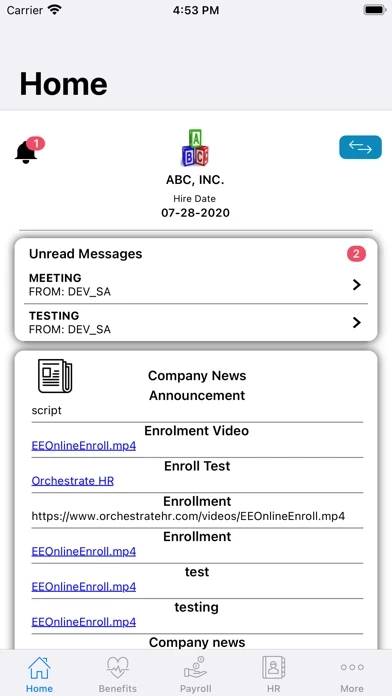
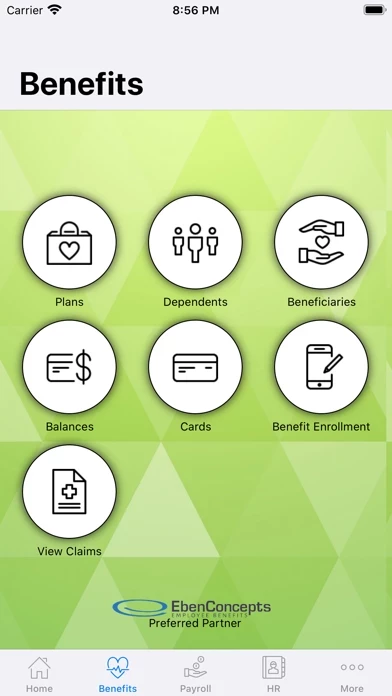
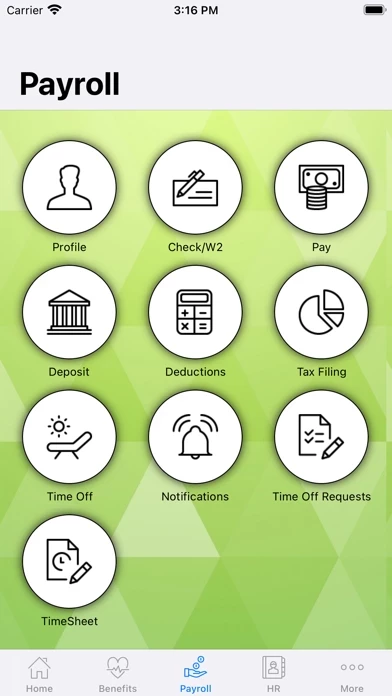
🏷️ About: The myORCHR app provides employee access to select payroll, benefits and HR information as provided by their employer and administered by OrchestrateHR. To obtain a user ID and password, the employee should consult their local HR department.


Is myORCHR Safe to Use?

We Investigate the app owner's website (Orchestratehr.com), verify their legitimacy, and uncover hidden scams and complaints.


Overall Customer Experience 😎


🤬 Negative experience
66.5%

😎 Positive experience
17.3%

🫥 Neutral
16.2%

~ from Justuseapp.com NLP analysis of 1 combined software reviews.

Is myORCHR Safe?
myORCHR appears generally safe, but use with caution.
20.6/100

  Safety Analysis »»

Is myORCHR Legit?
myORCHR appears legitimate, though exercise caution.
39.9/100


Read 2 Customer Service Reviews 😠💢

1.0 out of 5
Just Awful.

The appearance of myORCHR is a disgrace. Looks like an old AOL page from the early 2000’s. Can never log in without resetting a password. User convenience is NOT a goal of myORCHR. Checking paystubs has never been more difficult. I’m suggesting my boss switch immediately.

No good

Don’t like it. At first it wouldn’t let me login and it won’t connect and still won’t let me login. If I ever get it to work I might right a new review.


Is myORCHR Safe? 🙏

myORCHR appears generally safe, but use with caution. JustUseApp Safety Score for myORCHR is 20.6/100.
This assessment is based on our NLP analysis of 1 user reviews. Combined with the app store average rating of 1.0/5.


Is myORCHR Legit? 💯

myORCHR appears legitimate, though exercise caution. Our NLP models processed user feedback to estimate legitimacy. JustUseApp Legitimacy Score for myORCHR is 39.9/100 .
This conclusion is based on analysis of 1 user reviews.


How was your experience with myORCHR? Post a Review


Features

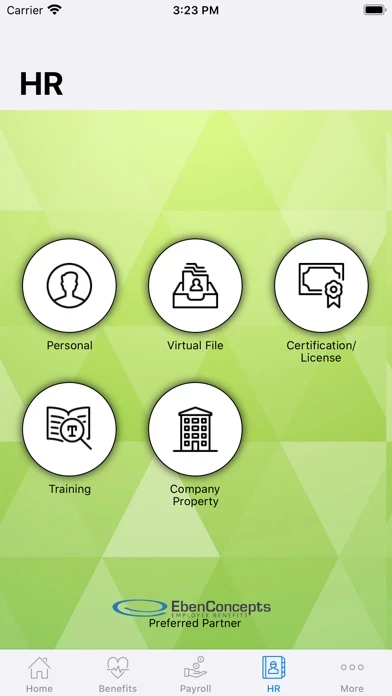
The myORCHR app provides employee access to select payroll, benefits and HR information as provided by their employer and administered by OrchestrateHR.

To obtain a user ID and password, the employee should consult their local HR department.
  Contact Support
Developer:
OrchestrateHR, Inc