iLoca - Find Location & Phone Reviews

iLoca Reviews

Published by on 2020-11-19

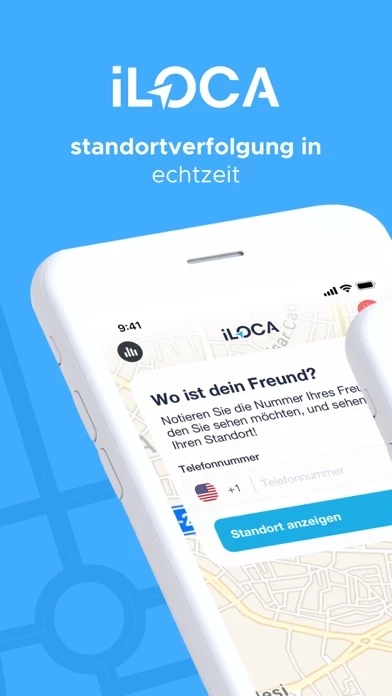
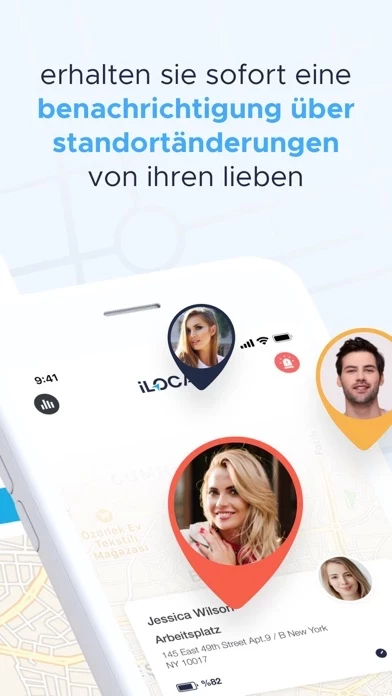
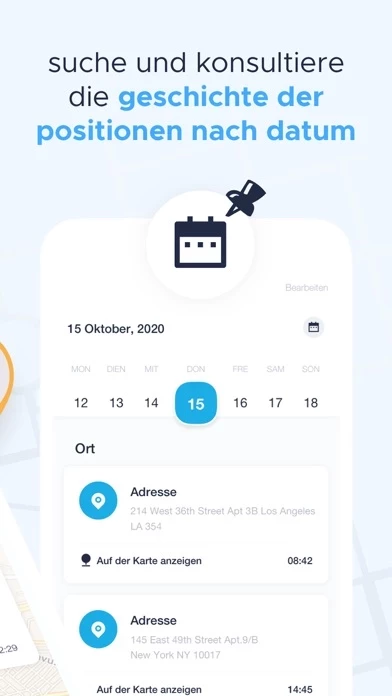
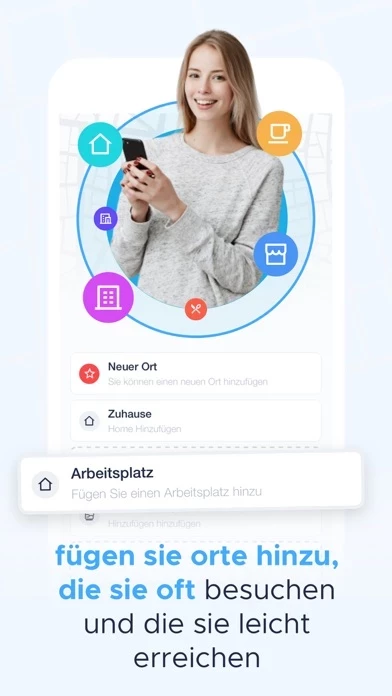
🏷️ About: Keep in touch with your loved ones and know they are safe thanks to iLoca. You can send a message on iLoca where you can see the instant locations of your loved ones, and send an SOS notification at any time.


Is iLoca Safe to Use?

We Investigate the app owner's website (), verify their legitimacy, and uncover hidden scams and complaints.


Overall Customer Experience 😎


🤬 Negative experience
65.8%

😎 Positive experience
32.3%

🫥 Neutral
1.9%

~ from Justuseapp.com NLP analysis of 77 combined software reviews.

Is iLoca Safe?
iLoca - Find Location & Phone appears generally safe, but use with caution.
32.9/100

  Safety Analysis »»

Is iLoca Legit?
iLoca - Find Location & Phone appears legitimate, though exercise caution.
34.9/100


Read 4 Customer Service Reviews 😠💢

4.3 out of 5
Falls

No sow right location just if you send invitations to the person you want to find ....😡😡😡😡😡😡😡😡 waste $10 trash of app

DONT DOWNLOAD THIS APP

Waste of money. Waste of time. Waste of energy.

ESTAFAAAA!!!!

No es nada gratis, ni cierto. ES UNA ESTAFA!!!!

Localizador

Cancelen mi suscripcion yo no pefi nada


Is iLoca Safe? 🙏

iLoca - Find Location & Phone appears generally safe, but use with caution. JustUseApp Safety Score for iLoca is 32.9/100.
This assessment is based on our NLP analysis of 77 user reviews. Combined with the app store average rating of 4.3/5.


Is iLoca Legit? 💯

iLoca - Find Location & Phone appears legitimate, though exercise caution. Our NLP models processed user feedback to estimate legitimacy. JustUseApp Legitimacy Score for iLoca is 34.9/100 .
This conclusion is based on analysis of 77 user reviews.


How was your experience with iLoca - Find Location & Phone? Post a Review


Features

You can cancel your subscription in the iTunes trial settings at least 24 hours before the end of the free trial period.

* Please note: any part not used during the free trial period (if offered) will be forfeited upon purchasing a premium subscription during the free trial period.

* You can cancel a free trial or subscription at any time by canceling your subscription in your iTunes account settings.

This should be done 24 hours before the end of the free trial or subscription period to avoid being charged.

* With a free trial period, the subscription will automatically renew to the paid subscription.

  Contact Support
Developer:
Appsense Ltd