Have some patience when starting to use ReportKing. There is a learning curve. I had to log in with the “keep me logged in” option several times before it actually kept me logged in.
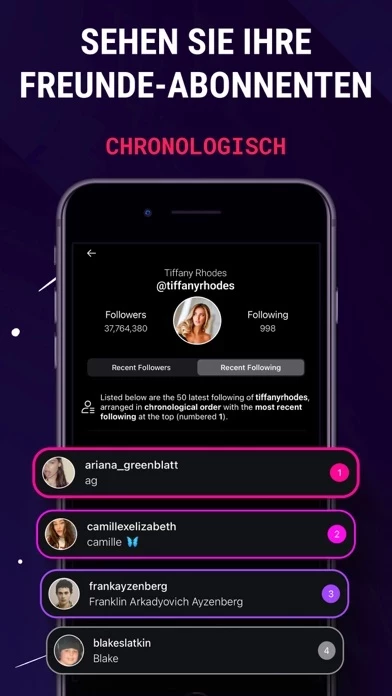
The only reason I use ReportKing is to track another user’s new followings. You have to let ReportKing analyze your own profile first, and then it will let you add the users whose followings you want to track. It will then let you analyze their followings list. Now, even after it says that the user’s following analysis is “successfully updated”, and you tap “followings activity”, it may not properly load right that instant. Just back out of the following activity page, give it maybe 5-10 seconds (don’t refresh at this time), and then click on “followings activity” again. Repeat until the new followings pop up. They eventually should.
Some inaccuracies/limitations I’ve noticed:
- In the actual instagram app, if someone’s “following” count increases by 1, it may be that they were following someone whose account has been deactivated for some time and then reactivated. ReportKing does not account for those people.
- The analysis might say that a tracked user unfollowed someone, but when you check their actual insta profile, they are still following that person.
- This is also true for when ReportKing says that someone has unfollowed your tracked user, but then you go to the tracked user’s actual insta profile, and they’re still being followed by the supposed unfollower.
But overall this works for my intended use. I appreciate it very much. Instagram used to glitch sometimes where if you refresh someone’s followings enough times, it would show new follows at the top. Since recent updates it seems that they patched this.