Desktop Computer Reviews
Published by Shells on 2022-06-30🏷️ About: The Shells™ App connects you to your Shells cloud computer. Shells™ provides a virtual desktop computer in the cloud.

🏷️ About: The Shells™ App connects you to your Shells cloud computer. Shells™ provides a virtual desktop computer in the cloud.
We Investigate the app owner's website (Shells.com), verify their legitimacy, and uncover hidden scams and complaints.
It’s basically unusable in its current state on iPhone. Screens too small, can’t easily resize or zoom or keyboard or use the mouse.
Horrendously glitchy on iPad Pro (11 inch M2, 2022) w/ magic keyboard. Any keyboard input seems to randomly repeat letters, so something “that should look like this” actually comes out as “thhaatt shhhouuulld llookk liikkee thhhiss”. Absolutely infuriating. Have never seen such a bizarre error in a VDI client.
Tested on an iPad Pro. Takes minutes to connect if it does so at all, and the desktop is completely non-interactive if it does.
Desktop Computer by Shells appears generally safe, but use with caution.
JustUseApp Safety Score for Desktop Computer is 28.4/100.
This assessment is based on our NLP analysis of 12 user reviews.
Combined with the app store average rating of 3.4/5.
Desktop Computer by Shells appears legitimate, though exercise caution.
Our NLP models processed user feedback to estimate legitimacy. JustUseApp Legitimacy Score for Desktop Computer is 28.4/100 .
This conclusion is based on analysis of 12 user reviews.
Desktop Computer collected the following data from you:
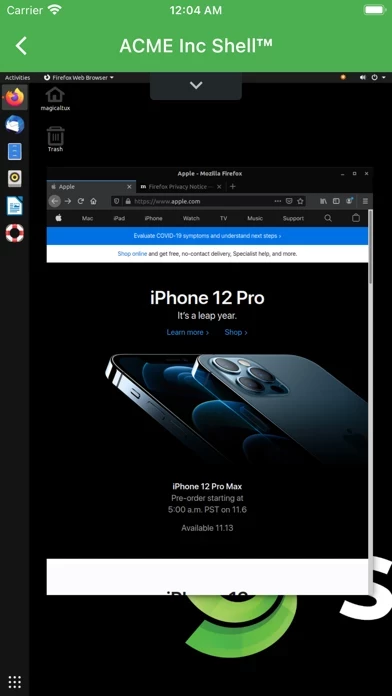
Shells cloud computers can be used for your daily computing needs from editing and creating documents, accessing desktop applications, creating audio and video content, and surfing the internet.
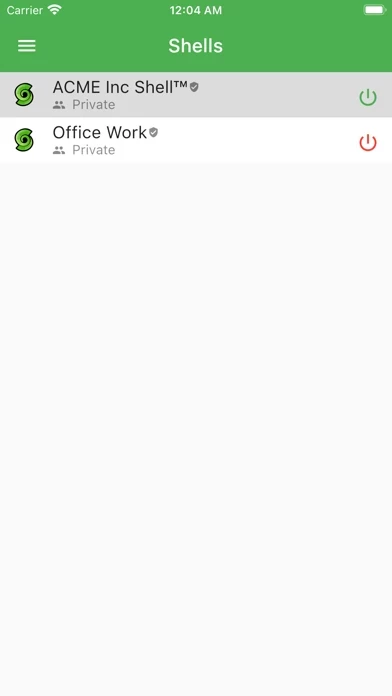
The Shells™ App connects you to your Shells cloud computer.
Shells™ provides a virtual desktop computer in the cloud.
You need an existing Shells account in order to use this app.