Tembo Reviews
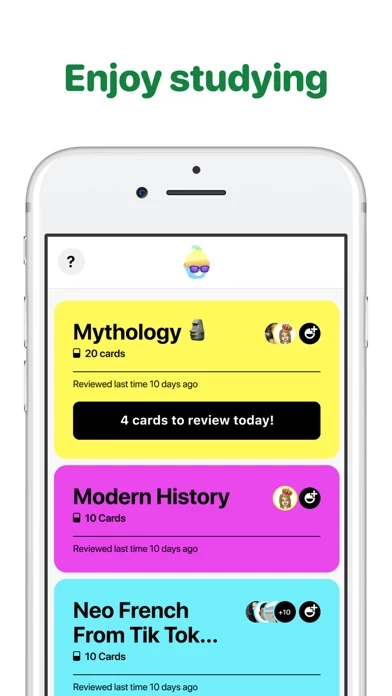
Published by Adrien Dulong on 2020-05-05🏷️ About: Enjoy studying and learning as a group and with your friends. Create learning groups for your tests, for a subject, a language to learn, or for your class.

🏷️ About: Enjoy studying and learning as a group and with your friends. Create learning groups for your tests, for a subject, a language to learn, or for your class.
We Investigate the app owner's website (Tembo.app), verify their legitimacy, and uncover hidden scams and complaints.
Why don’t the old flash cards you have on The mini this app on Snapchat switch over to the actual this app app? It’s very frustrating and I don’t want to have to rewrite all those flash cards. I have over 200 on there. Please help!
My grades have improved since using Tembo!! It’s so great I love it! I use it for every quiz, and every test!! It really works for me! 😁thx this app!
Tembo: learn with friends is very safe to use.
JustUseApp Safety Score for Tembo is 66/100.
This assessment is based on our NLP analysis of 4 user reviews.
Combined with the app store average rating of 4.0/5.
Tembo: learn with friends looks authentic and legitimate.
Our NLP models processed user feedback to estimate legitimacy. JustUseApp Legitimacy Score for Tembo is 66/100 .
This conclusion is based on analysis of 4 user reviews.
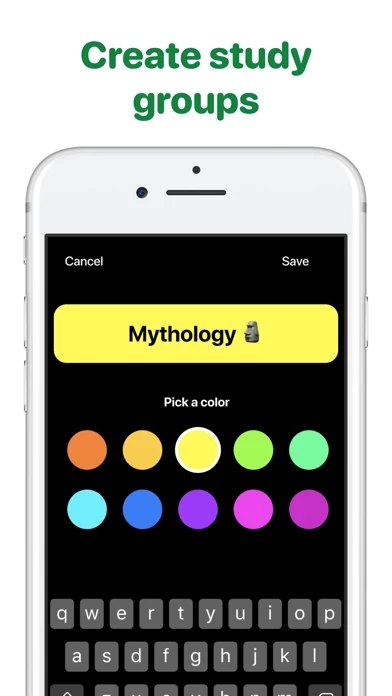
Create learning groups for your tests, for a subject, a language to learn, or for your class.
Enjoy studying and learning as a group and with your friends.
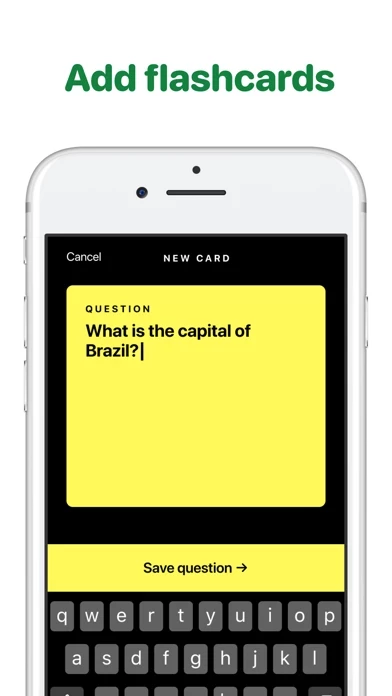
In each learning group everyone can create flashcards.
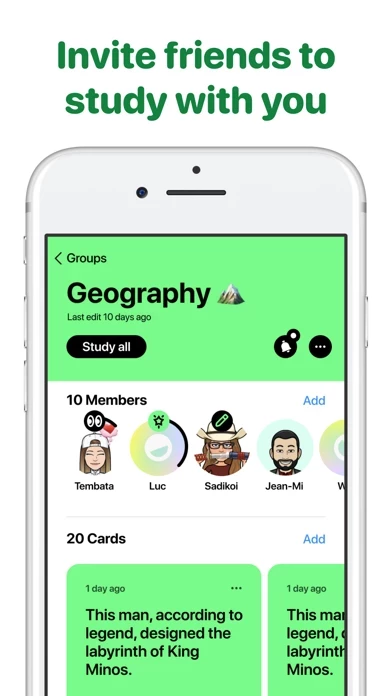
You can see who has the best study score, who has studied last, who has created the most flashcards.
Invite your friends.