IVE OFFICIAL LIGHT STICK Reviews
Published by FANLIGHT Co., Ltd on 2026-04-09🏷️ About: This is the mobile app for the IVE Light Stick. The app supports IVE official light stick.

🏷️ About: This is the mobile app for the IVE Light Stick. The app supports IVE official light stick.
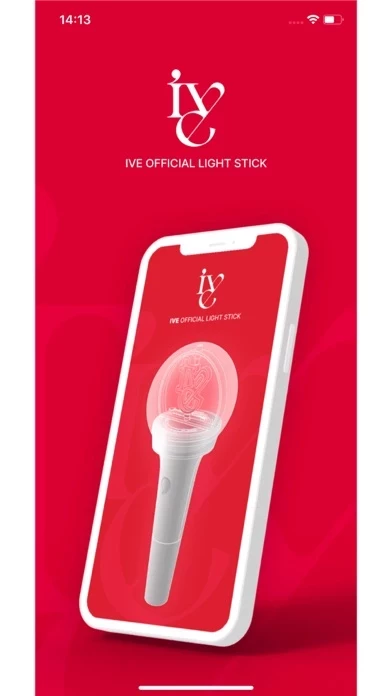
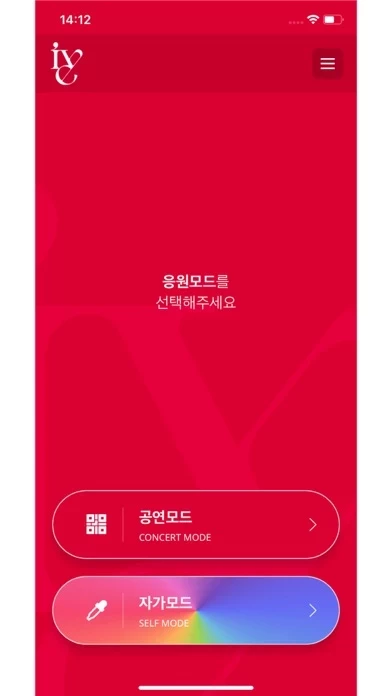
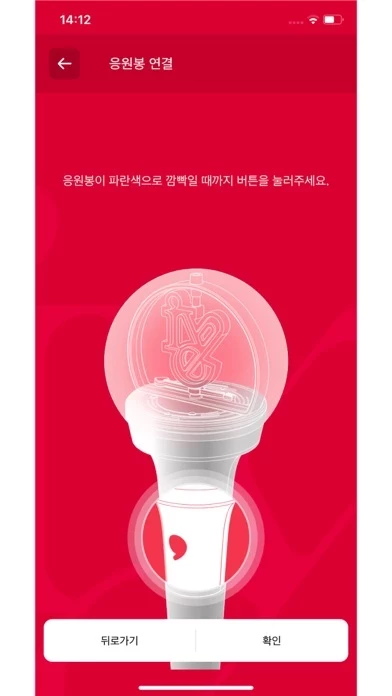
Couldn’t input seat info during concert. Everyone else’s light sticks looked the same so not sure if there was an issue with IVEOFFICIALLIGHTSTICK , or some way to make it more user friendly.
self mode works great but i tried to use it at the concert and it did not let me connect it with my seat information.
Just putting this here so everyone who’s looking for IVE’s lightstick control app knows this is in fact the correct one. I doubted it at first because there was a two star review but it’s legit 👍
IVE OFFICIAL LIGHT STICK does not appear safe based on available data.
JustUseApp Safety Score for IVE OFFICIAL LIGHT STICK is 0.5/100.
This assessment is based on our NLP analysis of 16 user reviews.
Combined with the app store average rating of 3.1/5.
IVE OFFICIAL LIGHT STICK does not appear legitimate based on our analysis.
Our NLP models processed user feedback to estimate legitimacy. JustUseApp Legitimacy Score for IVE OFFICIAL LIGHT STICK is 0.5/100 .
This conclusion is based on analysis of 16 user reviews.
IVE OFFICIAL LIGHT STICK collected the following data from you:
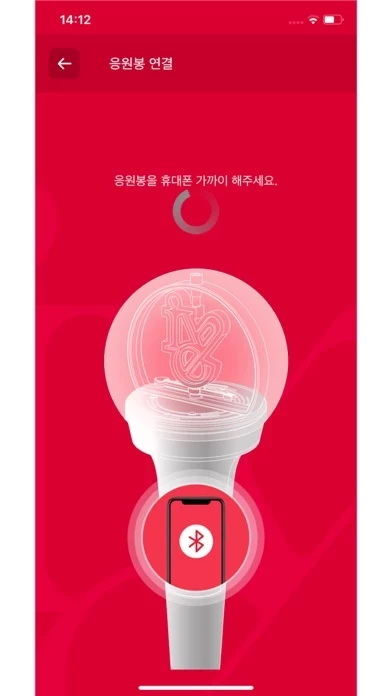
- To take part in the light stick performance, be sure to set the light stick to “Concert mode” by pressing its button for 3 seconds after pairing it with your seat information on the app.
In the “SELF MODE” page of the app, click the “Check Battery Status” button at the bottom of the screen to check the battery level of your light stick and replace the battery if needed.
Pair your light stick with your concert seat information to enjoy various light stick performance during the concert.
- Check the seat information on your ticket before the concert and enter it into your light stick using the app.
- Check the battery level of your light stick in advance to ensure battery sufficiency during the concert.