RemoteLink 2 Reviews

RemoteLink 2 Reviews

Published by on 2026-04-27

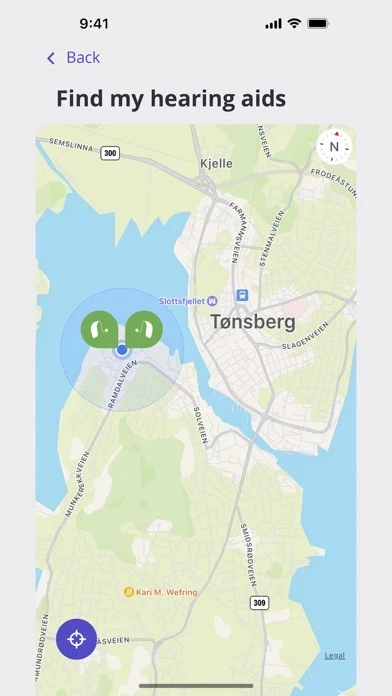
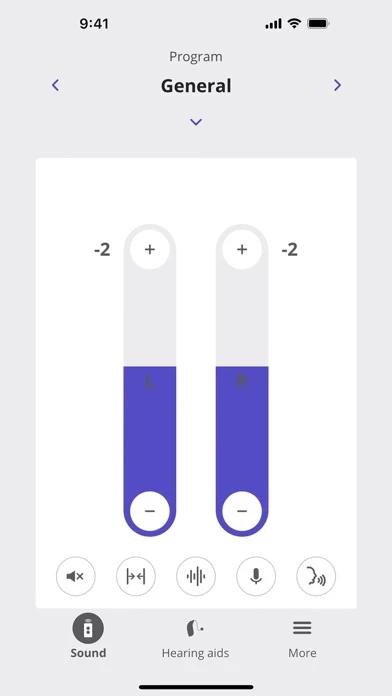
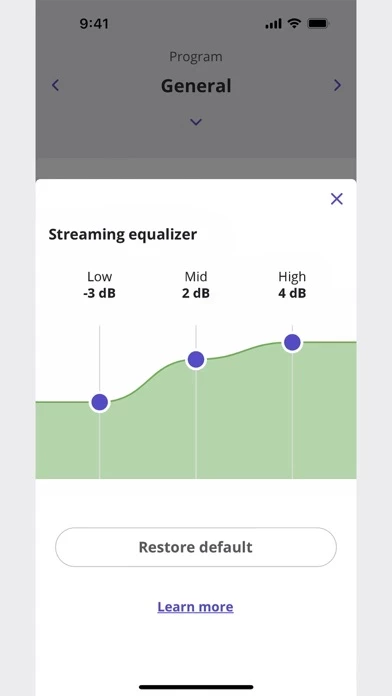
🏷️ About: RemoteLink 2 provides you with discreet, improved control over your hearing aids – so you can personalize your listening experience for any environment, the ability to find your hearing aids if they become lost, remote support from your hearing care professional when you need it, and much more. With RemoteLink 2, you can: • Adjust the volume of your hearing aids and various settings (e.



Overall Customer Experience 😎


😎 Positive experience
85.4%

🤬 Negative experience
14.5%

🫥 Neutral
0.1%

~ from Justuseapp.com NLP analysis of 74 combined software reviews.

Is RemoteLink 2 Safe?
RemoteLink 2 is very safe to use.
85.5/100

  Safety Analysis »»

Is RemoteLink 2 Legit?
RemoteLink 2 looks authentic and legitimate.
85.6/100


Read 1 Customer Service Reviews 😠💢

4.2 out of 5
Review

A sorry app. I have to delete and reinstall every week. It will not maintain a connection with my hearing aids.


Is RemoteLink 2 Safe? 🙏

RemoteLink 2 is very safe to use. JustUseApp Safety Score for RemoteLink 2 is 85.5/100.
This assessment is based on our NLP analysis of 74 user reviews. Combined with the app store average rating of 4.2/5.


Is RemoteLink 2 Legit? 💯

RemoteLink 2 looks authentic and legitimate. Our NLP models processed user feedback to estimate legitimacy. JustUseApp Legitimacy Score for RemoteLink 2 is 85.6/100 .
This conclusion is based on analysis of 74 user reviews.


How was your experience with RemoteLink 2? Post a Review


Features

RemoteLink 2 provides you with discreet, improved control over your hearing aids – so you can personalize your listening experience for any environment, the ability to find your hearing aids if they become lost, remote support from your hearing care professional when you need it, and much more.

Depending on the hearing aids and the mobile device you are using, you may or may not have access to all features the app offers.

• Use SpeechBooster to reduce background noise and enhance speech when you need to focus on conversation.

  Contact Support
Developer:
SBO Hearing