Secure VPN: Fast & Private Reviews

Secure VPN Reviews

Published by on 2021-12-08

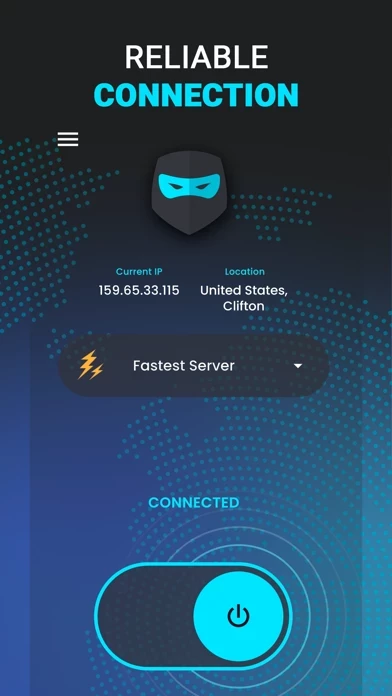
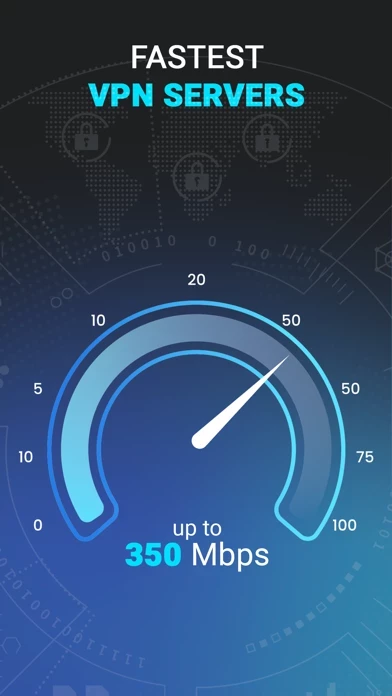
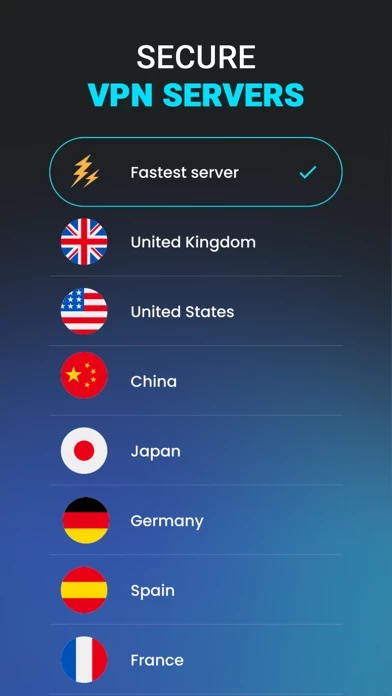
🏷️ About: Protect your online privacy with Secure VPN: Fast & Private servers with a simple tap of the connect button! Connect today to get unlimited VPN access to one of our virtual locations while keeping your digital identity anonymous and secure. CONFIDENTIALITY PROTECTION You need to enter the app, choose a suitable geolocation for the VPN server, and go online worry-free.


Is Secure VPN Safe to Use?

We Investigate the app owner's website (), verify their legitimacy, and uncover hidden scams and complaints.


Overall Customer Experience 😎


🤬 Negative experience
44.1%

🫥 Neutral
31.2%

😎 Positive experience
24.6%

~ from Justuseapp.com NLP analysis of 4 combined software reviews.

Is Secure VPN Safe?
Secure VPN: Fast & Private appears generally safe, but use with caution.
35.8/100

  Safety Analysis »»

Is Secure VPN Legit?
Secure VPN: Fast & Private appears legitimate, though exercise caution.
81.2/100


Read 3 Customer Service Reviews 😠💢

2.3 out of 5
Worst vpn ever

Don’t download this

Y

Nice

Y

Nice


Is Secure VPN Safe? 🙏

Secure VPN: Fast & Private appears generally safe, but use with caution. JustUseApp Safety Score for Secure VPN is 35.8/100.
This assessment is based on our NLP analysis of 4 user reviews. Combined with the app store average rating of 2.3/5.


Is Secure VPN Legit? 💯

Secure VPN: Fast & Private appears legitimate, though exercise caution. Our NLP models processed user feedback to estimate legitimacy. JustUseApp Legitimacy Score for Secure VPN is 81.2/100 .
This conclusion is based on analysis of 4 user reviews.


How was your experience with Secure VPN: Fast & Private? Post a Review


Features

* Please note: any unused portion of a free trial period (if offered) will be forfeited when you purchase a premium subscription during the free trial period.

This must be done 24 hours before the end of a free trial or subscription period to avoid being charged.

* Your free trial subscription will automatically renew to a paid subscription unless auto-renew is turned off at least 24 hours before the end of the free trial period.

The cancellation will take effect the day after the last day of the current subscription period, and you will be downgraded to the free service.

* You can cancel a free trial or subscription anytime by turning off auto-renewal through your iTunes account settings.

  Contact Support
Developer:
Secure & Private VPN, LLC