Gear: AI Web Extension Browser Reviews

Gear Reviews

Published by on 2026-05-18

🏷️ About: Gear is a browser designed for geeks that offers a simple, fast, and safe browsing experience. It focuses on visual design and function expansion, with powerful performance and user-friendly interaction to provide an exclusive browsing experience. The app offers features such as add-ons, dark mode, Gear player, reader mode, full-screen mode, speed, and accessibility adoption. Gear Pro is a paid version that unlocks more features for productivity and improving browsing experience.


Is Gear Safe to Use?

We Investigate the app owner's website (Gear4.app), verify their legitimacy, and uncover hidden scams and complaints.


Overall Customer Experience 😎


😎 Positive experience
65.7%

🤬 Negative experience
34.3%

🫥 Neutral
0.0%

~ from Justuseapp.com NLP analysis of 229 combined software reviews.

Is Gear Safe?
Gear: AI Web Extension Browser is very safe to use.
65.7/100

  Safety Analysis »»

Is Gear Legit?
Gear: AI Web Extension Browser looks authentic and legitimate.
65.7/100


Summary of Customer Reviews (Takeaways): 💎

- Simple and high-performing

- Dark mode effect is better than other apps

- Appreciation for the Gear team


Read 25 Customer Service Reviews 😠💢

4.0 out of 5
交年费广告太多能退款吗?实在无法接受。

交年费广告太多能退款吗?实在无法接受。

无法安装插件。点安装就闪退。

无法安装插件。点安装就闪退。

Waste of Money If You Want to Run User Scripts

The feature is locked behind a paywall, you can’t test if the scripts you want works properly before spending your money. And barely any of the scripts I wanted to run works, the developer doesn’t respond to support requests either.

Needs a lifetime license.

A monthly subscription model isn’t good for the pocket book.

Can’t edit without pro

Gear claims you can inspect element and have developer tools but what it doesn’t say is that you must buy the pro version to do this.

Can’t open pages?

When i want open some web pages see error :This page is design for ios !!

How do you inspect element help

How do you inspect element help

平板模式

希望可以追加一个类似于iPad端safari一样的平板模式

您管大号iPhone模式叫“optimized for it”?

Too expensive for a browser

Don’t worth 20$ for a year.

Great but needs improvment

This is one of the best web browsers I used but should have the following improvments:
*The ability to rename bookmarks
*Add a way to change site settings like running certain websites in desktop mode
*Fix the black banner when you tap a youtube video in dark mode
*add a + button to the top sites page and bookmarks menu so you can easily add top sites or bookmarks

Can’t get the add-ons to work but I got everything else and I’m happy

yes im very happy with this browser but the add-on dont work and I wish they did!

脚本是不是需要pro版才能打开?

挺强大的,就是脚本

It’s nice but I hate being called a geek

💆🏿‍♂️

Great experience

I really enjoy the simplicity of the this app browser it’s easy to operate and I enjoy the dark mode appearance

Please add custom user-agent

Great so far, but it’d be nice to be able to manually enter a custom user agent string in site settings, beyond the default provided options. Thanks.

Best dark mode for mobile

Title says it all. Thanks this app team!

Good

Awesome

Cool for developers

I got Gear to help me debug some issues on a web application I was developing. Being able to see the console output was really helpful!

Really nice experience

I love its simplicity and performance. The dark mode effect is the best than others.

期待已久,非常好。

终于找到了支持脚本的iso浏览器。太好了,不错。

神器

不得不用,功能强,重量轻!

不错

支持扩展插件是一个亮点

竟然可以用油猴

很多插件都可以用,真的是太棒了。是一个非常厉害的带浏览器。

可是说是最好的ios浏览器了

极简设计 能用脚本和油猴 至今这个功能还没有其他浏览器能做到 其他常用功能例如广告屏蔽 浏览器都是内置好了的 非常方便 整个浏览器都是极简设计 非常美观 对脚本和界面颜值有要求的朋友非常值得下载一试.

点赞

非常好用的手机软件,很强大


Is Gear Safe? 🙏

Gear: AI Web Extension Browser is very safe to use. JustUseApp Safety Score for Gear is 65.7/100.
This assessment is based on our NLP analysis of 229 user reviews. Combined with the app store average rating of 4.0/5.

Safety Analysis

54.9% of users say app is safe 👍
54.9%

23.6% of users say app is risky 🚨
23.6%

21.5% of users have some concerns ⚠️
21.5%


Is Gear Legit? 💯

Gear: AI Web Extension Browser looks authentic and legitimate. Our NLP models processed user feedback to estimate legitimacy. JustUseApp Legitimacy Score for Gear is 65.7/100 .
This conclusion is based on analysis of 229 user reviews.

🔏 Privacy & Data Safety

Gear collected the following data from you:

  • Data Not Linked to You:
    • Usage Data

Payments 💸

**Pricing data is based on average subscription prices reported by Justuseapp.com users..

Pricing Plans Amount (USD)
Monthly Pro Subscription $2.99
Semi-annually Pro Subscription $14.99
Yearly Subscription $19.99


How was your experience with Gear: AI Web Extension Browser? Post a Review


Features

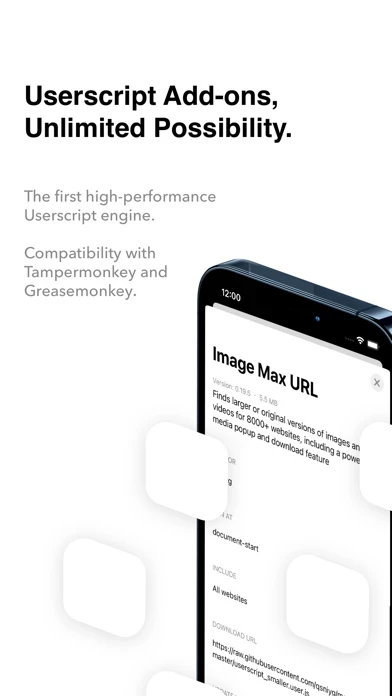
- Add-ons: A high-performance user script engine that is compatible with Tampermonkey for extending the site's functionality.

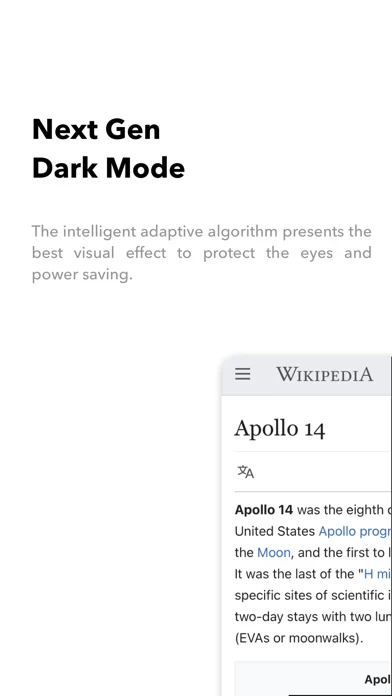
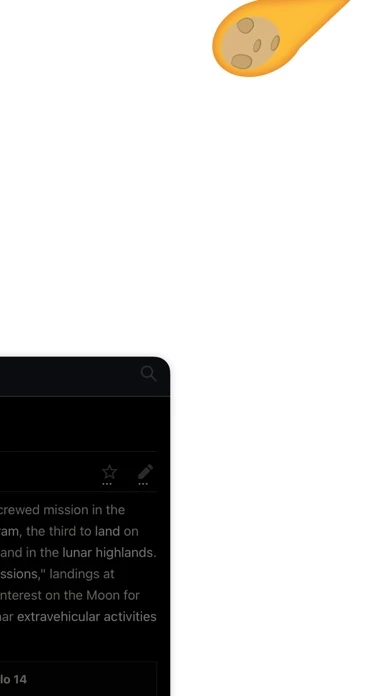
- Dark mode: An intelligent adaptive algorithm that can make the dark mode present better visual effects to protect the eyes and power-saving further.

- Gear player: A flexible design that supports Picture-in-Picture and AirPlay.

- Reader mode: A well-designed reading experience for articles.

- Full-screen mode: A true full-screen without distraction for browsing content.

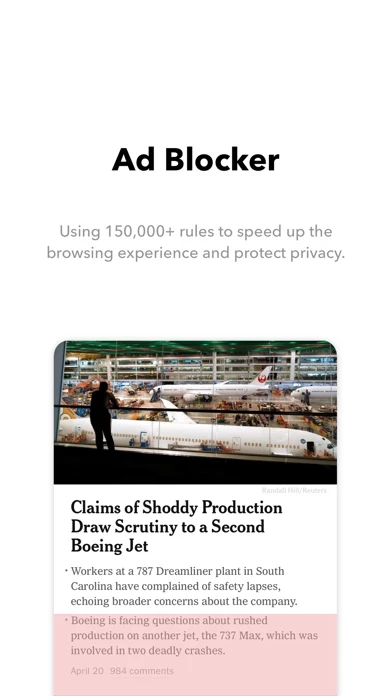
- Speed: Using 150,000+ rules to block ads and trackers for faster loading speed and privacy protection.

- Accessibility Adoption: Optimized design for everyone.

- Gear Pro: A paid version that unlocks more features such as element inspector, pro dark mode, high-performance userscript add-ons, create and test userscript, powerful style and code editor, inspect advanced information and performance data, edit cookies and storage data, design mode, color picker, console, and more.

- Free to use: Gear browser is free to use without any limitations. You can use it forever at no cost.

- Auto-renewing subscription: Gear Pro is enabled via an auto-renewing subscription and can be canceled at any time. All subscriptions support family sharing.

- Payment: Payment will be charged to Apple Account at confirmation of purchase.

- Subscription renewal: After the free trial, the subscription automatically renews for the subscription price per month unless it is canceled at least 24 hours before the end of the trial period. Your Apple ID account will be charged for renewal within 24 hours before the end of the trial period. You can manage and cancel your subscriptions by going to your account settings on the App Store.

- Contact: If you have any recommendations for Gear, please let them know at [email protected].

- Official website: https://gear4.app

- Social Media: Twitter: @GearBrowser, Facebook: facebook.com/GearBrowser

- Privacy Policy: https://gear4.app/privacy

- Terms of Service: https://gear4.app/tos

  Contact Support
Developer:
Li YanZhao

Contact e-Mail:

Website:

Privacy Policy: