iMediaShare Reviews

iMediaShare Reviews

Published by on 2017-12-28

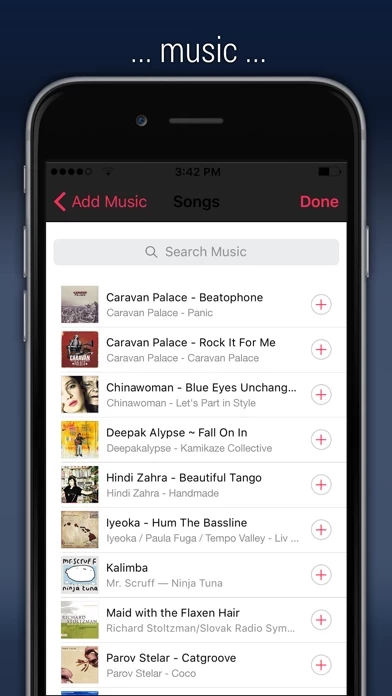
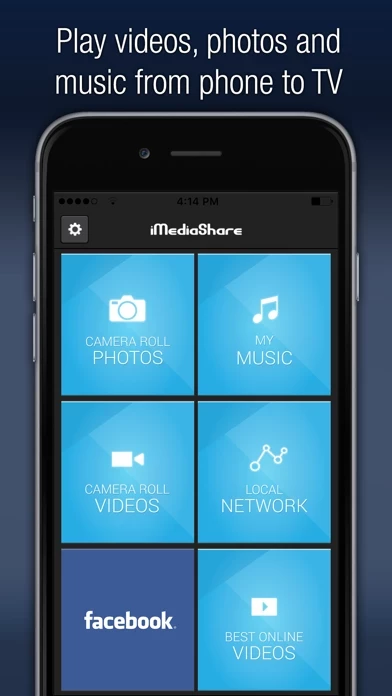
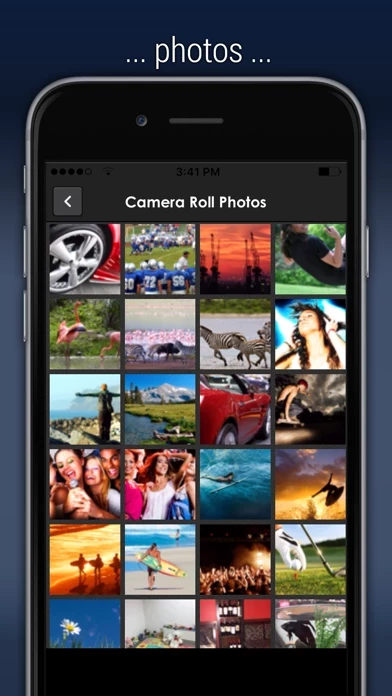
๐Ÿท๏ธ About: The iMediaShare app is a mobile application that allows users to stream their photos, videos, and music from their mobile devices to any connected TV screen or audio system. The app automatically discovers any connected devices around the user and serves as a remote control for adjusting volume, playback, or switching videos with intuitive touchscreen gestures. The app also allows users to access online content like news, sports, and music videos through the Flipps app.


Is iMediaShare Safe to Use?

We Investigate the app owner's website (Imediashare.tv), verify their legitimacy, and uncover hidden scams and complaints.


Overall Customer Experience ๐Ÿ˜Ž


๐Ÿ˜Ž Positive experience
77.0%

๐Ÿคฌ Negative experience
18.8%

๐Ÿซฅ Neutral
4.2%

~ from Justuseapp.com NLP analysis of 958 combined software reviews.

Is iMediaShare Safe?
iMediaShare is very safe to use.
80.3/100

  Safety Analysis »»

Is iMediaShare Legit?
iMediaShare looks authentic and legitimate.
84.7/100


Summary of Customer Reviews (Takeaways): ๐Ÿ’Ž

- Videos, photos, and music stream flawlessly to Xbox one.

- Easily able to transfer music and pictures to PS3.


Read 21 Customer Service Reviews ๐Ÿ˜ ๐Ÿ’ข

3.2 out of 5
Garbage

Could open it, get it to be recognized by whatever item I was trying it on, would ALWAYS crash as it connected. Could have worked on a small part of the plan to cure cancer or fixed my mower, hell I could've sat on the toilet and done some business, any of those things would've been better than the waste of time I spent on iMediaShare. Might work one day, from what I read it used to, but I'll never know.

Ad pop ups exit the app every 3 minutes and disrupt video playback

Ads continuously pop up and exit out of this app and open safari, causing the video playback to have an error. These ads pop up every 3 minutes and make iMediaShare experience frustrating and make iMediaShare useless.
Please fix immediately, this was never an issue before.

Not cool

This is crap! I can view all my photos no problem but then I try the videos and it just boots me out I can't believe this is the only app that will work for this and it's crap. The video is the main reason people want to use iMediaShare. Your tv by itself will show all the pics you don't need iMediaShare so this makes your app completely useless if you can't watch any videos.

Not Worth the Effort

Tried using this app on my iPad to allow mirroring with a recently purchased Samsung Smart TV. After downloading and opening the this app, it appeared to be unable to recognize any Photos or Videos stored on the iPad. Upon selecting Photos or Videos from the main menu, it displays page after page of "This asset is not available" messages. There is no Help menu to speak of. Thus, it falls into my category of "DELETE AND MOVE ON". Seems to be another of those "slap together and dump online without testing apps". I then downloaded the TV Assist app which works just fine.

Dosent work

Just downloaded iMediaShare . Using iPhone 8s. Trying to use iMediaShare but it keeps crashing on the main screen. Can not get any further than that. Un-installed it and re-installed it to see it that was the problem but it doesnโ€™t do anything other than crash. Turned off the phone and the back on but still no go. My opinion is that this is not worth the your time. Going to look for something that actually works.

Photos only

โ€œCannot play mediaโ€ is the helpful error message shown when trying to stream any video or song from an iPhone. iTunes purchased videos are not an option. Photos work but streaming is slow and the navigation view is essentially a DOS-like directory system. Sitting through hundreds of pix to find a specific one is too time consuming. I will keep it for rare occasions but it will not become a regular use app.

Don't even try!

I tried this on April of 2016 and all of the devices in the network started acting up!! The iPhone didn't find the TV and so the connection was never established! I tried troubleshooting, but once I found out that my iPad and my TV are not responsive (without having iMediaShare or even being connected tot his app on my iPhone) I gave up. Save yourself some time and don't even give this a try.

This thing just quits

I finally figured out how to show some photos on my Sony Bravia TV, but only about a third of them would load in iMediaShare itself. It quits abruptly when trying to go into anything else. No videos: you hit the button in iMediaShare , and iMediaShare quits. You hit anything else in iMediaShare , and this thing just spins and spins forever. Please do something about iMediaShare. It is not good. I have a Sony Bravia HDTV and an iPhone 6.

Easy set up, crappy usage

I was so excited about how quick and easy it was to set up! But it plays a song from my phone to my ps4 and then shuts off and says "playback has stopped" after a few minutes. Every song.

The good and the bad

The good: this is by far the easiest app to use to wirelessly stream music from my iPhone to my TV and connected sound system.

The bad: Can only play one song at a time. Will not play music on my phone that I "purchased" through my iTunes monthly fee plan (9.95 for unlimited use.)

It was very cool to see in actionโค๏ธ

I read the reviews to iMediaShare. But to be honest I was scared to get it but when I got it it was so mind blowing that I just want to keep using it for the rest the night iMediaShare you should get it it's not that bad it's will surprise you will some of youโฃ

Not The Best But Usable

The only issue I am having with this is when I am copying a file over I sometimes get a random error message, I experienced this when I was transfering personal videos and photos off my phone to my ps4 thus copying them to a flash drive small files did great but anything over 200mb quite often I got device unable to connect message. But overall it got the job done not the best I got what I needed.

Works great!

the ONLY thing I would change is its ability to keep rolling. after every song, I have to manually change it to the next. it should automatically go to the next song in the playlist.

Not bad, but needs some improvements

It has multiple problems that need to be fixed, like music stopping completely after one song on occasions. But it worked well other than a few problems

Wonderful when it works.

Itโ€™s free, itโ€™s easy to use, and when it works it works well. Sometimes particularly with still pictures it wonโ€™t work. Every so often you have to delete it and reinstall it.

Actually really good once you figure it out...

Donโ€™t be put off by its low rating, iMediaShare does what itโ€™s supposed to do. I had to play the media/playlist on my phone before it would show up in the menu of my PS3, otherwise it would show nothing for music or say the videos are corrupted. But, once I got it going after a few moments it was great.

The best ever!

I was easily able to transfer music and pictures to my ps3!! Totally recommend if youโ€™re wanting music and pictures on your console!

Philips tv

When no others apps would cast video from my iPhone S E to a 2.5 year old Philips smart T V I used media share which also works with the tv remote and has worked very well fiir about 2 weeks.
Thanks

Awesome.

Works as intended/described. Videos, photos, and music stream flawlessly to Xbox one.
Couple request for the Dev would be the ability to zoom into pictures as they're being casted and the ability for continuous music play instead of having to manually play every song.

Great idea but please Update!!!

Can you update the display screen so when I play music the album cover is on the TV also when I start a playlist it only plays one song at a time.

Not Worth the Effort

Tried using this app on my iPad to allow mirroring with a recently purchased Samsung Smart TV. After downloading and opening the this app, it appeared to be unable to recognize any Photos or Videos stored on the iPad. Upon selecting Photos or Videos from the main menu, it displays page after page of "This asset is not available" messages. There is no Help menu to speak of. Thus, it falls into my category of "DELETE AND MOVE ON". Seems to be another of those "slap together and dump online without testing apps". I then downloaded the TV Assist app which works just fine.


Is iMediaShare Safe? ๐Ÿ™

iMediaShare is very safe to use. JustUseApp Safety Score for iMediaShare is 80.3/100.
This assessment is based on our NLP analysis of 958 user reviews. Combined with the app store average rating of 3.2/5.

Safety Analysis

40.5% of users say app is risky ๐Ÿšจ
40.5%

38.9% of users say app is safe ๐Ÿ‘
38.9%

20.5% of users have some concerns โš ๏ธ
20.5%


Is iMediaShare Legit? ๐Ÿ’ฏ

iMediaShare looks authentic and legitimate. Our NLP models processed user feedback to estimate legitimacy. JustUseApp Legitimacy Score for iMediaShare is 84.7/100 .
This conclusion is based on analysis of 958 user reviews.


Pricing Plans ๐Ÿ’ธ

**Pricing data is based on average subscription prices reported by Justuseapp.com users..

Duration Amount (USD)
Monthly Subscription $59.99


๏ปฟ

How was your experience with iMediaShare? Post a Review


Features

- Instantly stream photos, videos, and music from mobile devices to any connected TV screen or audio system

- Discover any connected devices around the user automatically

- Serve as a remote control for adjusting volume, playback, or switching videos with intuitive touchscreen gestures

- Access online content like news, sports, and music videos through the Flipps app

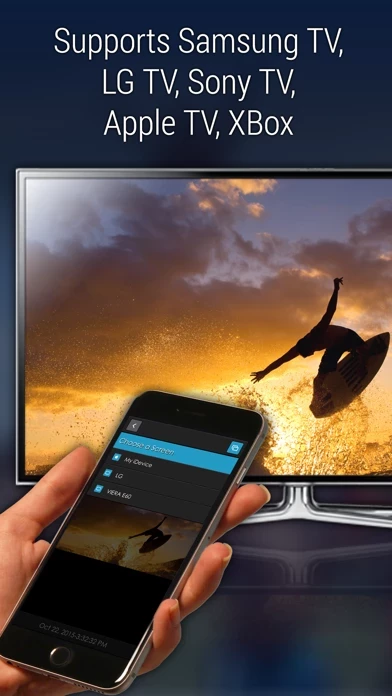
- Supported players include internet-connected TVs by Samsung, Sony, Panasonic, LG & Philips, Xbox One, Xbox 360, DISH Hopper, and Apple TV.

  Contact Support
Developer:
Flipps Media Inc.

Contact e-Mail:

Website: