Test Master:WiFi Helper Reviews

Test Master Reviews

Published by on 2024-02-06

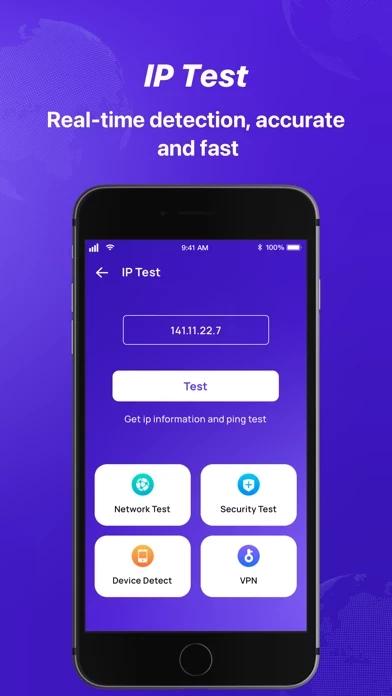
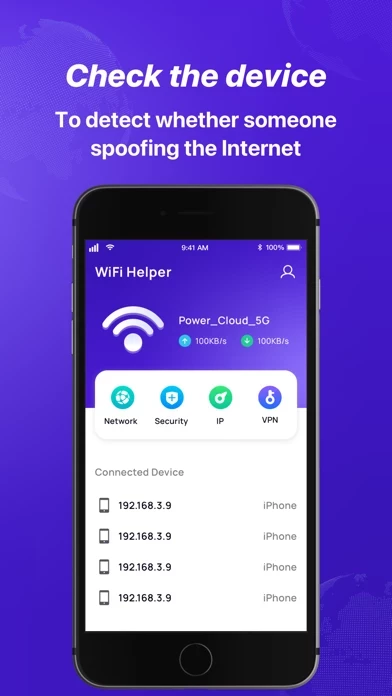
🏷️ About: Test Master-WiFi Helper:Analyze and test your network Detect the number of devices you are currently connected to WiFi. By displaying these devices, it is clear at a glance whether someone is using the Internet.



Is Test Master Safe to Use?

We Investigate the app owner's website (Today-reminder-29fea.web.app), verify their legitimacy, and uncover hidden scams and complaints.


Overall Customer Experience 😎


🤬 Negative experience
34.7%

😎 Positive experience
33.4%

🫥 Neutral
31.9%

~ from Justuseapp.com NLP analysis of 28 combined software reviews.

Is Test Master Safe?
Test Master:WiFi Helper is very safe to use.
49.1/100

  Safety Analysis »»

Is Test Master Legit?
Test Master:WiFi Helper looks authentic and legitimate.
95.8/100


Read 6 Customer Service Reviews 😠💢

4.1 out of 5
بغداد زعفرانية

١٠/٢/٢٠٢٤

ضباط يم زين قوسنبنبررقتقتقنن

ابن

Sebra

Sebra

Arkan

Tareq

بغداد

اييي

العراق

البصره


Is Test Master Safe? 🙏

Test Master:WiFi Helper is very safe to use. JustUseApp Safety Score for Test Master is 49.1/100.
This assessment is based on our NLP analysis of 28 user reviews. Combined with the app store average rating of 4.1/5.


Is Test Master Legit? 💯

Test Master:WiFi Helper looks authentic and legitimate. Our NLP models processed user feedback to estimate legitimacy. JustUseApp Legitimacy Score for Test Master is 95.8/100 .
This conclusion is based on analysis of 28 user reviews.


How was your experience with Test Master:WiFi Helper? Post a Review


Features

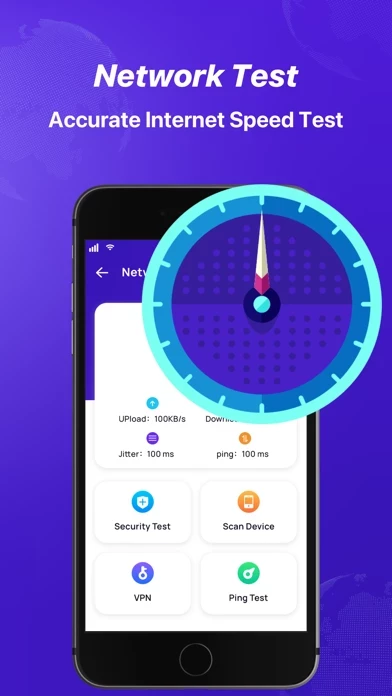
Test your current network connection speed, and give corresponding network suggestions according to your current network speed.

If your network status is not good, don't play online battle games, so as to avoid bad game experience from affecting your mood.

Test if your WiFi is secure:When you are away from home, don’t connect to unfamiliar wifi at random, you need to ensure the security of wifi.

IP Test and Network Test are very easy to use, allowing me to know the current network status at any time.

Detect the number of devices you are currently connected to WiFi.

  Contact Support
Developer:
Zhengye Reliton Technology Co., Ltd.