Signature: Fill and Sign PDF Reviews

Signature Reviews

Published by on 2026-04-29

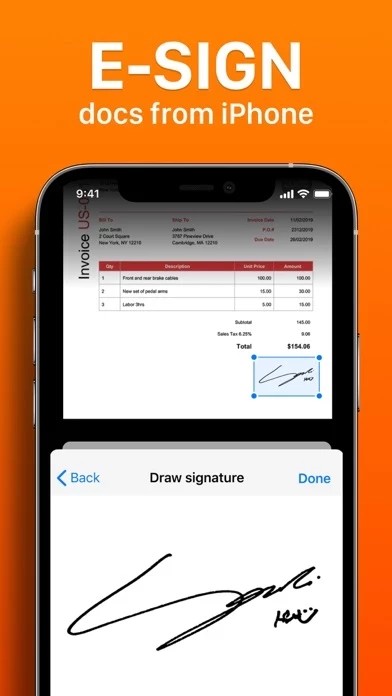
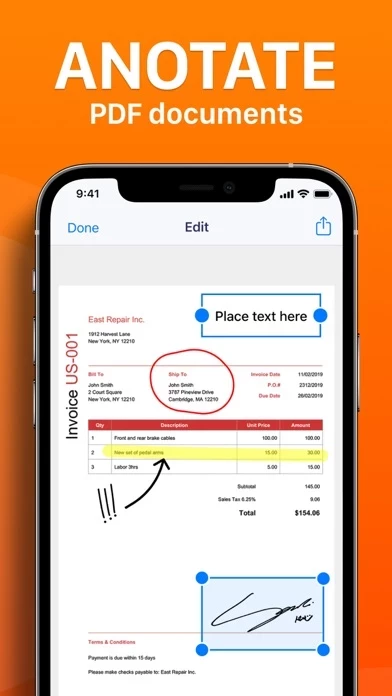
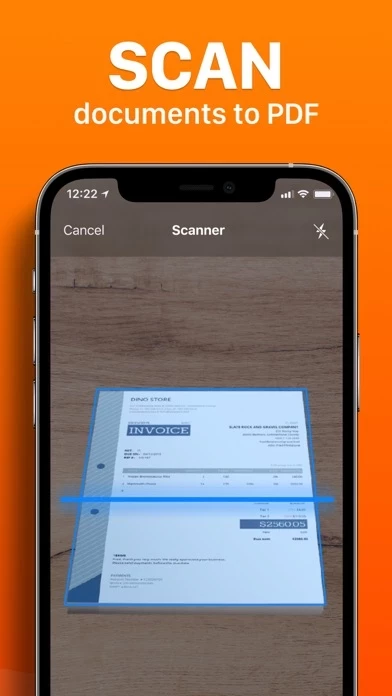
🏷️ About: Signature App provides a convinient way to send and sign agreements or any other important documents from anywhere, at any time. Sign important documents: - Quickly fill out PDF forms by typing text into fields - Use your finger or Apple Pencil to e-sign any PDF document Perform all basic document tasks: - Quickly open and view PDF files - Search, scroll, and zoom in and out Scan paper documents to PDF: - Turn you camera i.


Is Signature Safe to Use?

We Investigate the app owner's website (), verify their legitimacy, and uncover hidden scams and complaints.


Overall Customer Experience 😎


🫥 Neutral
41.8%

🤬 Negative experience
37.0%

😎 Positive experience
21.3%

~ from Justuseapp.com NLP analysis of 55 combined software reviews.

Is Signature Safe?
Signature: Fill and Sign PDF appears generally safe, but use with caution.
36.5/100

  Safety Analysis »»

Is Signature Legit?
Signature: Fill and Sign PDF appears legitimate, though exercise caution.
108.2/100


Read 0 Customer Service Reviews 😠💢

4.9 out of 5


Is Signature Safe? 🙏

Signature: Fill and Sign PDF appears generally safe, but use with caution. JustUseApp Safety Score for Signature is 36.5/100.
This assessment is based on our NLP analysis of 55 user reviews. Combined with the app store average rating of 4.9/5.


Is Signature Legit? 💯

Signature: Fill and Sign PDF appears legitimate, though exercise caution. Our NLP models processed user feedback to estimate legitimacy. JustUseApp Legitimacy Score for Signature is 108.2/100 .
This conclusion is based on analysis of 55 user reviews.


Pricing Plans 💸

**Pricing data is based on average subscription prices reported by Justuseapp.com users..

Duration Amount (USD)
Billed Once $8.99


How was your experience with Signature: Fill and Sign PDF? Post a Review


Features

Signature App provides a convinient way to send and sign agreements or any other important documents from anywhere, at any time.

All documents are stored locally on your device, they are not available to us, nor to third parties.

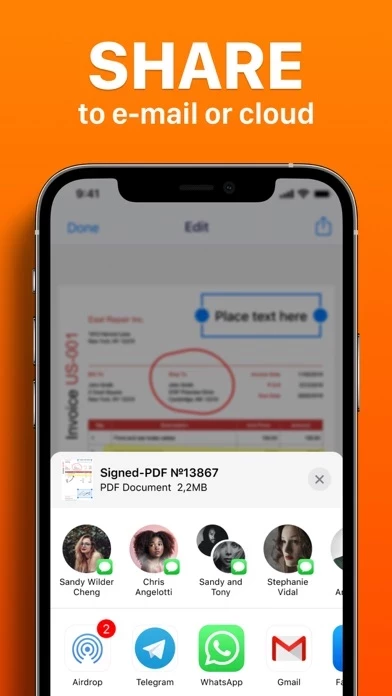
You can easily share documents using the export option.

  Contact Support
Developer:
SMM service, s.r.o.