Pulse Beat Heart Rate Monitor Reviews
Published by MAXIM GUDZIK on 2021-01-16🏷️ About: Measures your heart rate using only phone's camera, whenever and wherever you are. Suitable for everyone.

🏷️ About: Measures your heart rate using only phone's camera, whenever and wherever you are. Suitable for everyone.
We Investigate the app owner's website (), verify their legitimacy, and uncover hidden scams and complaints.
Used multiple times one after another.... readings?
77
36
48
50
31
80
55...
This is just after completing a brisk walk that would normally show 100+
Pulse for me.
Forget it.
It’s almost imposible to measure
Pulse Beat. Heart Rate Monitor is very safe to use.
JustUseApp Safety Score for Pulse Beat Heart Rate Monitor is 41.2/100.
This assessment is based on our NLP analysis of 217 user reviews.
Combined with the app store average rating of 4.5/5.
Pulse Beat. Heart Rate Monitor looks authentic and legitimate.
Our NLP models processed user feedback to estimate legitimacy. JustUseApp Legitimacy Score for Pulse Beat Heart Rate Monitor is 74.6/100 .
This conclusion is based on analysis of 217 user reviews.
Our standard subscription options is: 1-year subscription for $89.99 or equal to the same price tier as Apple App Store Matrix determines as the equivalent of the subscription price in USD.
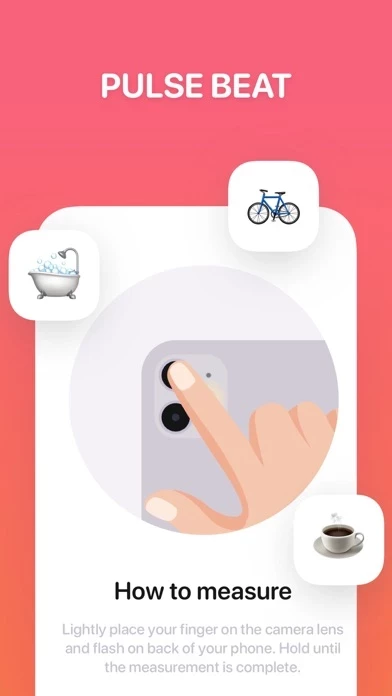
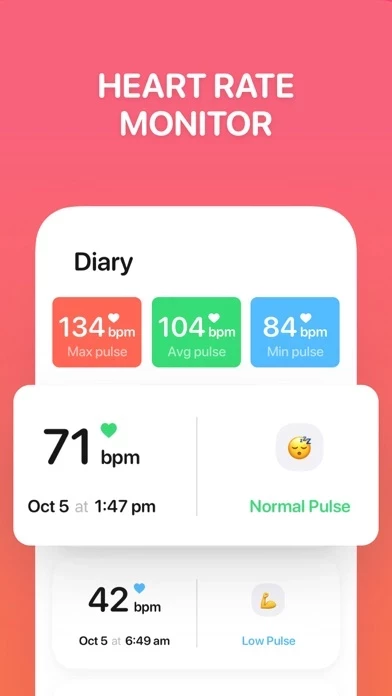
Measures your heart rate using only phone's camera, whenever and wherever you are.
- Hold the tip of your index finger over the back camera lens and flash of your phone.
- Do not press too hard or you will restrict circulation which will result in an inaccurate reading.
USER GUIDE: Please read carefully before using this app.