iWeather Reviews
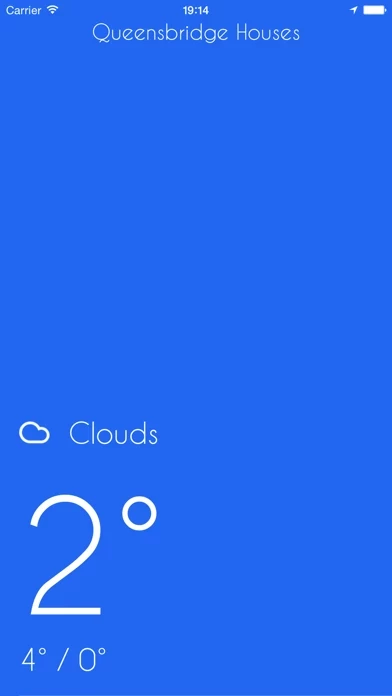
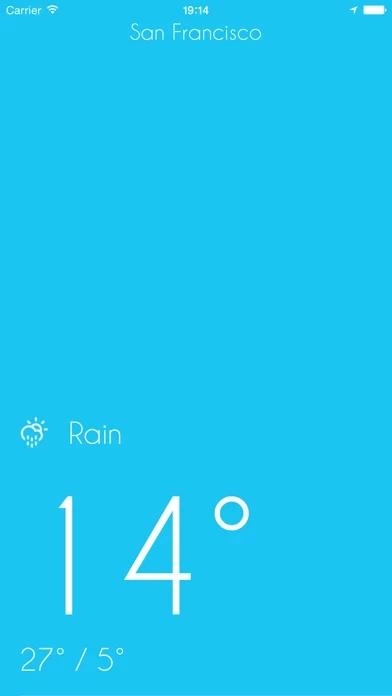
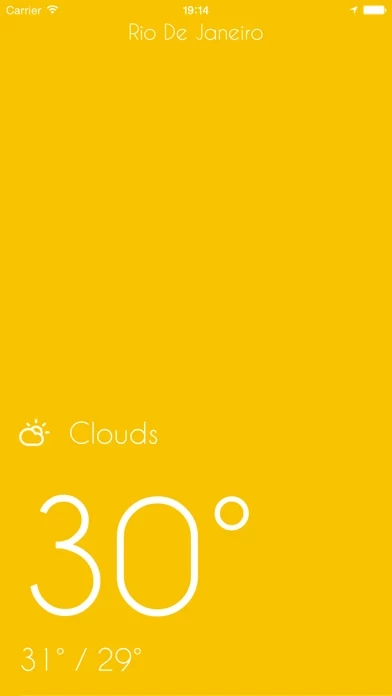
Published by Gorilla Technologies on 2015-01-09🏷️ About: Dynamic colored background based on temperature. The bluer, the colder.

🏷️ About: Dynamic colored background based on temperature. The bluer, the colder.

We Investigate the app owner's website (Gorillatech.io), verify their legitimacy, and uncover hidden scams and complaints.
- Minimalist design
- Provides basic weather information such as today's forecast, hourly and extended outlook
- No unnecessary features or clutter
Running this on an m1 iPad Pro. Yellow background is too bright to easily read text, no way to change color or disable it to default blue. No settings wheel or other way to enter settings, so I cannot: change Fahrenheit to Celsius or manually input my location so it will be correct.
If these three things were working correctly then yes this would be a flawlessly no nonsense minimal weather app!
But without that functionality, I can hardly read the text, the temperature is in a measurement I don’t like to use, and my location is incorrect.
A nice, minimal weather app with just the basics. Today's forecast, hourly and extended outlook. No muss, no fuss.
I love this, streamlined, minimalist smart design, exactly what I was looking for.
iWeather - Minimal, simple, clean weather app appears generally safe, but use with caution.
JustUseApp Safety Score for iWeather is 34/100.
This assessment is based on our NLP analysis of 9 user reviews.
Combined with the app store average rating of 4.2/5.
iWeather - Minimal, simple, clean weather app appears legitimate, though exercise caution.
Our NLP models processed user feedback to estimate legitimacy. JustUseApp Legitimacy Score for iWeather is 34/100 .
This conclusion is based on analysis of 9 user reviews.
Dynamic colored background based on temperature.
This gives you a feel for the temperature before you read it.
The bluer, the colder.
The redder, the hotter.