Bud Farm - Stickers Reviews

Bud Farm Reviews

Published by on 2017-06-26

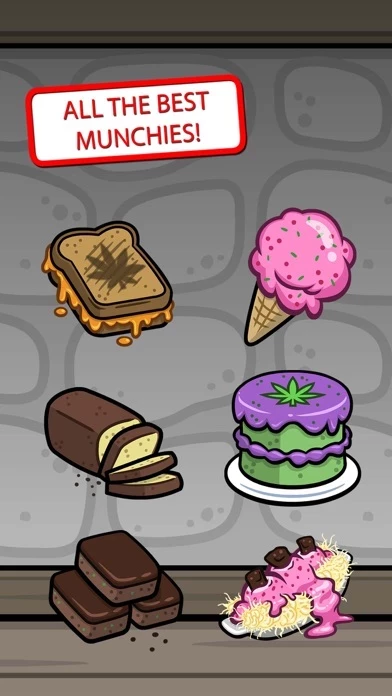
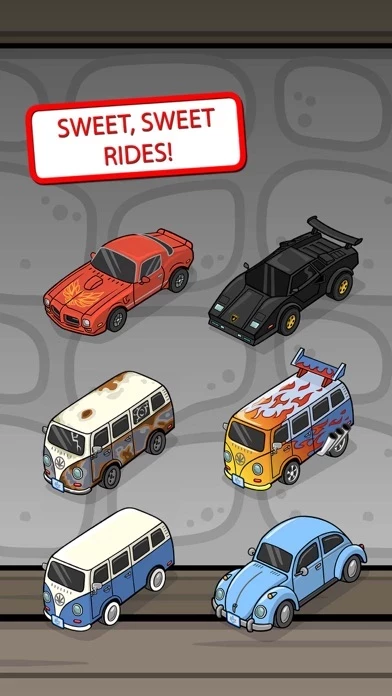
🏷️ About: Guess what? The most fun, addicting and social weed game now has stickers for iMessage! It’s time to get sticky and show off some dapper strains to your friends. Deck out your messages and hammer out some sweet sticker swag.


Is Bud Farm Safe to Use?

We Investigate the app owner's website (Ldrlygames.io), verify their legitimacy, and uncover hidden scams and complaints.


Overall Customer Experience 😎


🫥 Neutral
37.3%

🤬 Negative experience
31.9%

😎 Positive experience
30.7%

~ from Justuseapp.com NLP analysis of 14 combined software reviews.

Is Bud Farm Safe?
Bud Farm - Stickers is very safe to use.
49/100

  Safety Analysis »»

Is Bud Farm Legit?
Bud Farm - Stickers looks authentic and legitimate.
108.6/100


Read 0 Customer Service Reviews 😠💢

4.9 out of 5


Is Bud Farm Safe? 🙏

Bud Farm - Stickers is very safe to use. JustUseApp Safety Score for Bud Farm is 49/100.
This assessment is based on our NLP analysis of 14 user reviews. Combined with the app store average rating of 4.9/5.

Safety Analysis

84.6% of users say app is safe 👍
84.6%

15.4% of users have some concerns ⚠️
15.4%

0% of users say app is risky 🚨
0%


Is Bud Farm Legit? 💯

Bud Farm - Stickers looks authentic and legitimate. Our NLP models processed user feedback to estimate legitimacy. JustUseApp Legitimacy Score for Bud Farm is 108.6/100 .
This conclusion is based on analysis of 14 user reviews.


How was your experience with Bud Farm - Stickers? Post a Review


Features

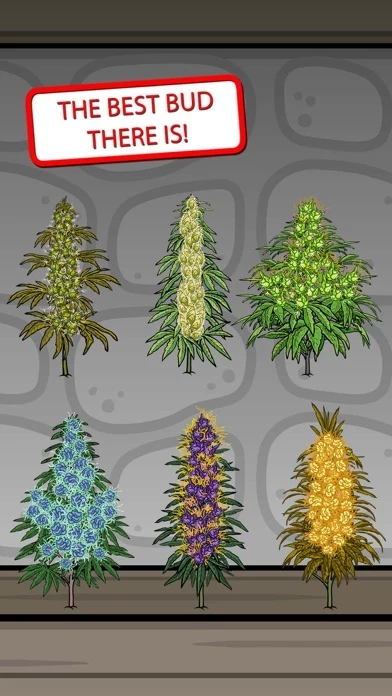
• Fresh breeds, strains and plants such as Homegrown, Maui Waui, Northern Lights, OG Kush, Purple Kush, Pineapple Express, Strawberry Cough, Banana Kush, Tangerine Dream, Super Skunk and Super Silver Haze.

Pro tip: You can resize and rotate stickers if you drag the sticker up to your conversation, then without letting go, use two fingers and twist the sticker around.

You’ll be budding with joy in no time! Just bring up the sticker keyboard when sending or replying to a message.

Scroll through the sticker choices and tap once or drag and drop the sticker to your message window.

Just drag and drop the stickers to your messages and send it to your buds.

  Contact Support
Developer:
LDRLY

Contact e-Mail:

Website:

Privacy Policy: