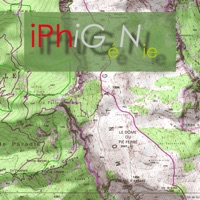
Unlike old fashioned topo maps, Scenic Map’s roads and trails are up to date thanks to OpenStreetMap.org. It contains polygons for urban areas, shopping malls, an ever growing number of buildings and many other features, The best lake, pond, stream and rivers from the USGS and Canadian public databases are also included.
GPS recording stops automatically after you have remained stationary for some time or you can choose to manually stop tracking by tapping on the top track in the Tracks view.
Want to learn more about a map feature? Tap the target icon and center the feature under the compass rose to display its name, type, urban area, county, state, elevation and coordinates.
The status bar shows the bearing direction and distance along with the map and GPS elevation, the track length, and your current speed and direction of travel.
To get started, tap the arrow button in the toolbar to begin GPS tracking and center the map at your current location.