OneLogin Protect Erfahrungen und Bewertung

OneLogin Protect Erfahrungen und Bewertung

Veröffentlicht von on 2025-09-08

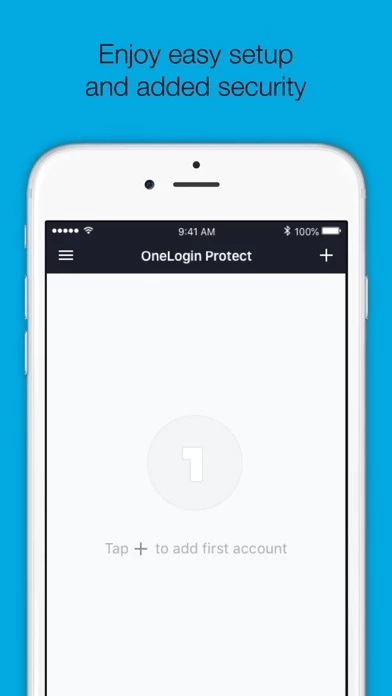
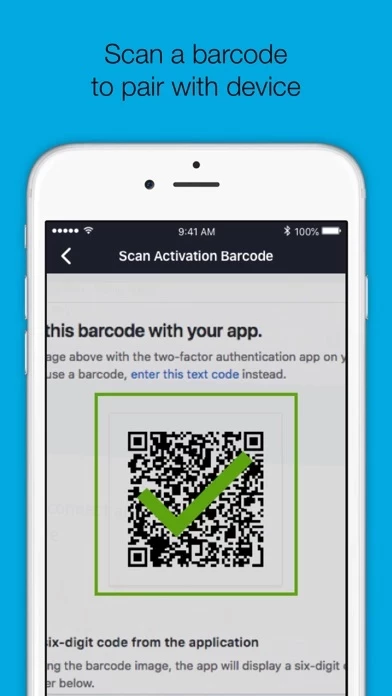
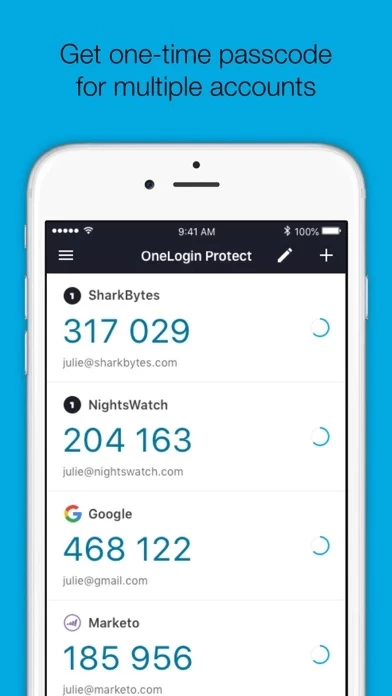
🏷️ Über: OneLogin Protect authenticator, a free, enterprise-ready MFA app, provides two-factor authentication for all your OneLogin SSO accounts and thousands of third-party apps and services. When you use multi-factor authentication, you automatically increase the security of your online accounts.


Allgemeine Kundenerfahrung 😎


😎 Positiv
67.2%

🤬 Negativ
32.8%

🫥 Neutral
0.0%

~ aus Justuseapp.com NLP-Analyse von 12 software bewertungen.

Ist OneLogin Protect sicher oder betrugsmache??
OneLogin Protect ist sehr sicher in der Nutzung.
67.2/100

  Sicherheitsanalyse »»

Ist OneLogin Protect seriös?
OneLogin Protect wirkt authentisch und seriös.
67.2/100


Lesen Sie 2 Kundenservice Bewertungen 😠💢

2.9 out of 5
privacy

setting too many tracking cookies
this app should be banned

Does what it needs to do

Simple Authenticator.

Does what it needs to do, on demand authorization and back up with code are great functions.


Ist OneLogin Protect sicher oder betrugsmache?? 🙏

OneLogin Protect ist sehr sicher in der Nutzung. JustUseApp Sicherheits-Score für OneLogin Protect: 67.2/100.
Diese Einschätzung basiert auf unserer NLP-Analyse von 12 Nutzererfahrungen. Zusätzlich zur durchschnittlichen Store-Bewertung von 2.9/5.

Sicherheitsanalyse

71% der Nutzer sagen, die App ist riskant 🚨
71%

18.3% der Nutzer sagen, die App ist sicher 👍
18.3%

10.7% der Nutzer haben Bedenken ⚠️
10.7%


Ist OneLogin Protect seriös? 💯

OneLogin Protect wirkt authentisch und seriös. Unsere NLP-Modelle schätzen die Seriosität. JustUseApp Seriositäts-Score für OneLogin Protect: 67.2/100.
Dieses Fazit beruht auf der Analyse von 12 Nutzererfahrungen.


Wie war Ihre Erfahrung mit OneLogin Protect? Schreiben Sie eine Rezension


Funktionen

OneLogin Protect authenticator, a free, enterprise-ready MFA app, provides two-factor authentication for all your OneLogin SSO accounts and thousands of third-party apps and services.

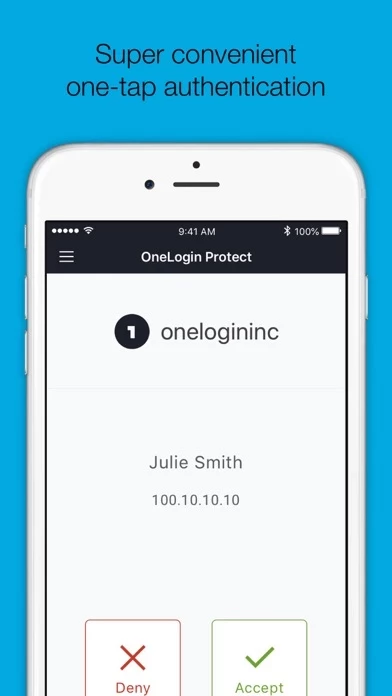
• Alerts user with a push notification, user responds with just a tap (OneLogin accounts only).

• Requires your Touch ID, Face ID, or PIN to accept push notification (OneLogin accounts only).

• Camera access for scanning QR code when adding new accounts.

When you use multi-factor authentication, you automatically increase the security of your online accounts.
  Kontakt Kundenservice
Entwickler:
OneLogin, LLC

Kontakt-E-Mail:

Website:

Privatsphäre Politik: