To add effects to your trimmed video click on Effects button and choose the effects that you need to apply to your trimmed video and then click on Right icon which is available on the top menu to add effects to your video.
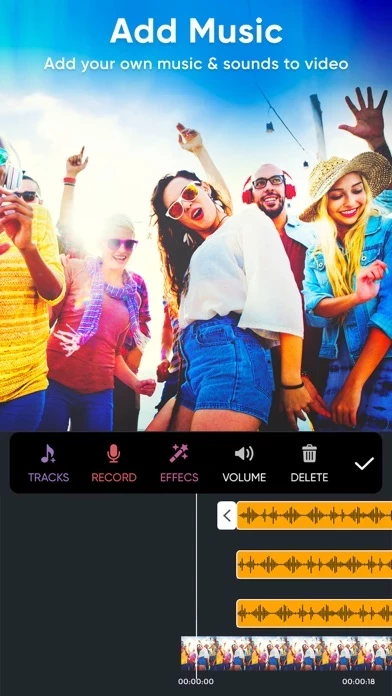
To add music to your trimmed video just click on Music button and select any audio from your device to add to your trimmed video.
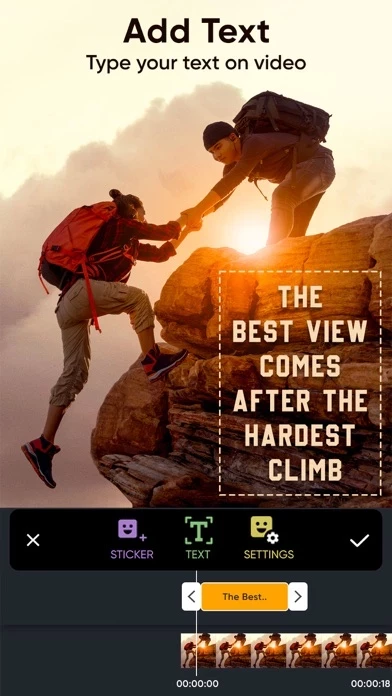
Our ClipTrim app allows you to trim video, add music to your trimmed video and add effects to your trimmed video easily.
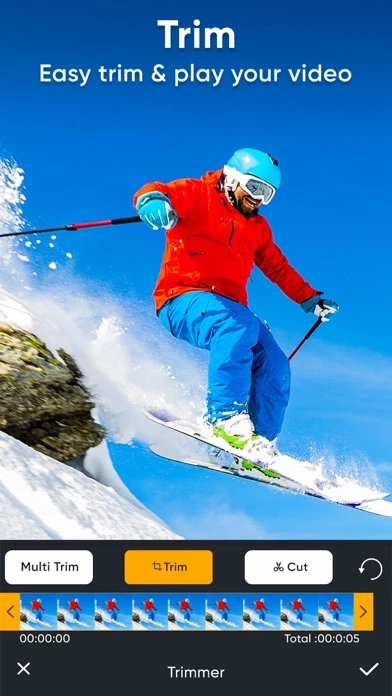
Once you done with selection click on Trim button which is available in the top navigation bar to trim video.
Want to trim (Save only selected video region) any video? then use our ClipTrim app to trim your video easily.