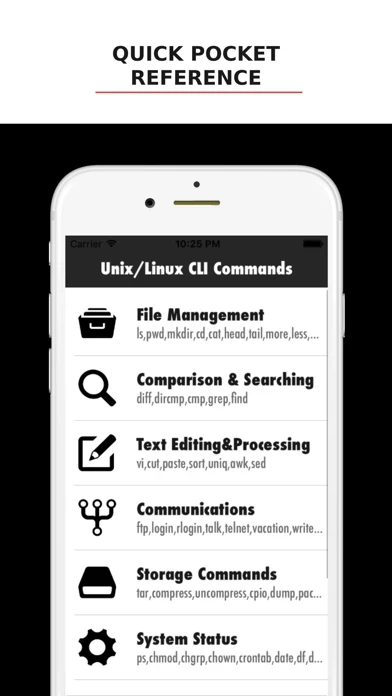
Commands are grouped into clear categories — file management, searching, text processing, networking & communication, storage, system status and more — so you can find what you need fast or explore a topic from the ground up.
The built-in terminal is a real, in-memory shell where you can actually run commands — ls, cd, pwd, mkdir, cat, echo, file, find and more — against a virtual filesystem stocked with sample files and folders.
Whether you're a student, a developer, or a system administrator brushing up, every command is explained in plain language with real examples you can try right away.
Unix/Linux CLI Commands is a clean, fast reference for the Unix and Linux command line — and a safe place to practice what you learn.
Each entry gives you the command, its full name, a short description of what it does, and practical examples.