Form Maker Erfahrungen und Bewertung
Veröffentlicht von Isoperla on 2022-10-07🏷️ Über: Make your own powerful professional forms with Form Maker. No subscriptions, no registration, simply download the app and build your forms.

🏷️ Über: Make your own powerful professional forms with Form Maker. No subscriptions, no registration, simply download the app and build your forms.
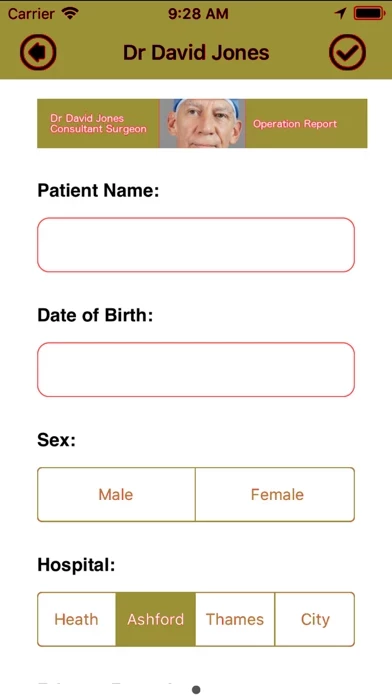
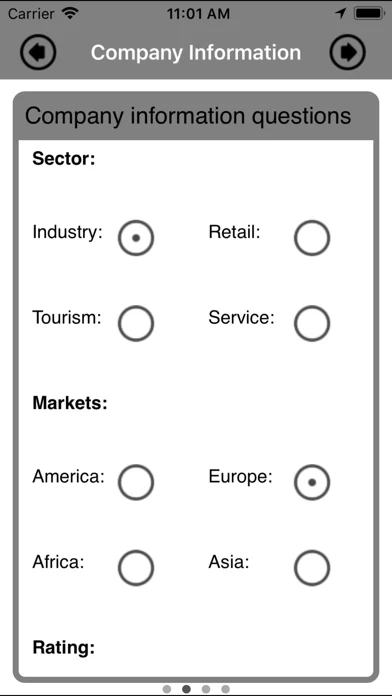
Viel gerede nix dahinter ok das erstellen von Formularen ist noch recht einfach aber beim teilen bzw exportieren hört es schon auf. Export ist nur über umwege der druckfunktion möglich und selbst dann erfüllt das Formular dann nicht mehr seinen Zweck. Spart euch das geld und erstellt euch selbst eine Daten bank.
Please fix the Problem with the new Apple Pencil and the IPAD Pro 2018
is it possible to send the final PDF to Dropbox? Is it possible that the file name of the final PDF named by date?
Thank you
sorry, but the first step isn't logical. First you have to copy on of the samples, than you can add, delete, edit... what ever you want.
A few things are needed in the next release.... change some colors of the frames, add your own pictures. Than it will be perfect for an fast and quick questionnaire :-)
Deserves 7 stars. Can only give 5… so here you go.
Form Maker - Pro Form Builder wirkt grundsätzlich sicher, jedoch mit Vorsicht verwenden.
JustUseApp Sicherheits-Score für Form Maker: 33.3/100.
Diese Einschätzung basiert auf unserer NLP-Analyse von 16 Nutzererfahrungen.
Zusätzlich zur durchschnittlichen Store-Bewertung von 3.8/5.
Form Maker - Pro Form Builder wirkt seriös, dennoch Vorsicht.
Unsere NLP-Modelle schätzen die Seriosität. JustUseApp Seriositäts-Score für Form Maker: 33.3/100.
Dieses Fazit beruht auf der Analyse von 16 Nutzererfahrungen.
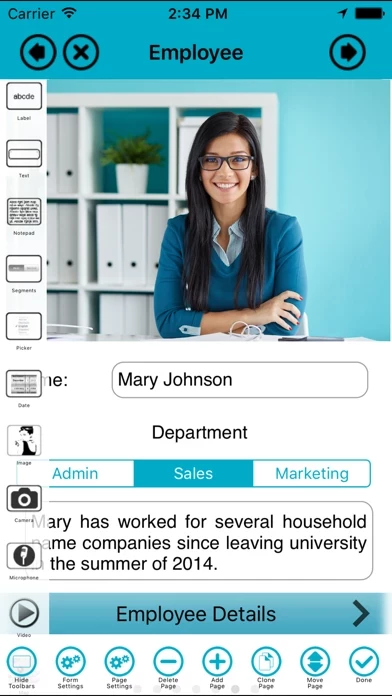
Form Maker generates native iOS multi-page forms on the fly, with all the smooth transitions and beauty you have come to expect.
Great product easy to learn and understand how to create forms very customizable love the fact that there's no additional ongoing costs will tell everybody I know that this is the program that should get.
Make your own powerful professional forms with Form Maker.
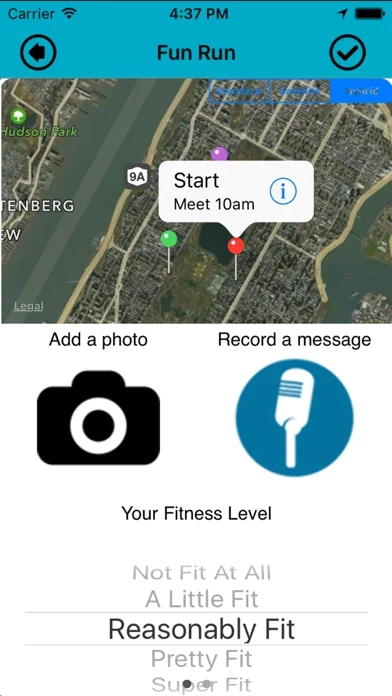
Include real native iOS text boxes, notepads, labels, check boxes, images, maps, pickers, segmented controls, buttons, dates, lists, web pages, video, camera, microphone, bar code reader and writer, QR code reader and writer.
Form Maker forms run in the Form Maker app.